
Dr Connect ONS/NEDAP Connector
Dr Connect ONS/NEDAP Connector Overview
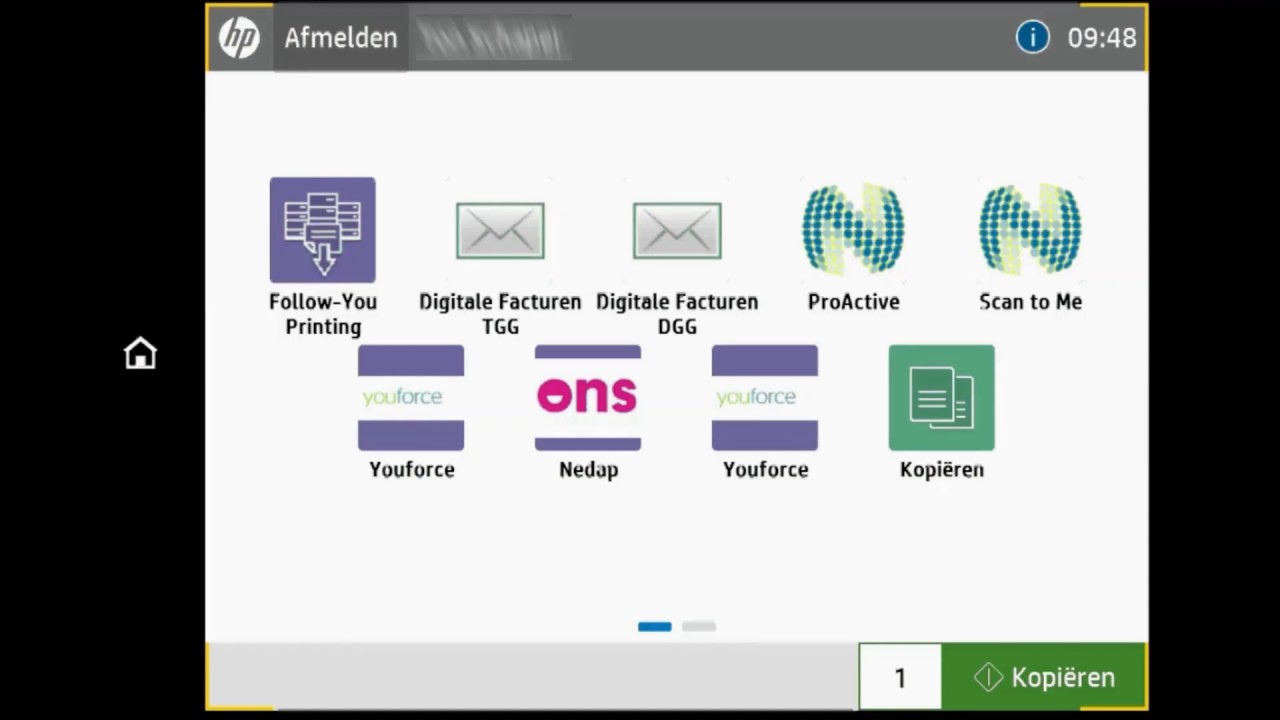
Features
Client name validation
Visual validation on screen after lookup with BSN or Client ID.
Direct upload in ONS-Nedap
After document process the document will be uploaded in the clients dossier.
Secure communication with ONS-Nedap
Secure communication with ONS-Nedap based on their security policies with assigned certificate.
Set document uploader
Automatically use the logged-in user details to set the upload user.
Automatic routing
Automatically use the collected metadata and send it directly to ONS-Nedap
Benefits
• Your files are uploaded with ease in your business application(s)
• Automated workflows prevent errors and files are processed immediately & securely.
• Clear uniformity by means of predefined questions
• Easily and quickly directly from your scanner, desktop, or mobile device
• Improves productivity & efficiency
• Access to all documents at any place at any time
• Compression of files while maintaining quality
• All files are provided with text recognition (OCR)
• Search back for keywords in the scanned files makes finding the right document easy
• GDPR Proof by processing to PDF / A, PDF security and adding text recognition (OCR)
Technical Details
Inputs
Install ControlSuite and the Dr-Connect ONS Nedap connector. Configure the ONS-Nedap endpoint in the connector installer.
Outputs
The processed documents will be automatically uploaded using the Dr-Connect ONS-Nedap connector.



